
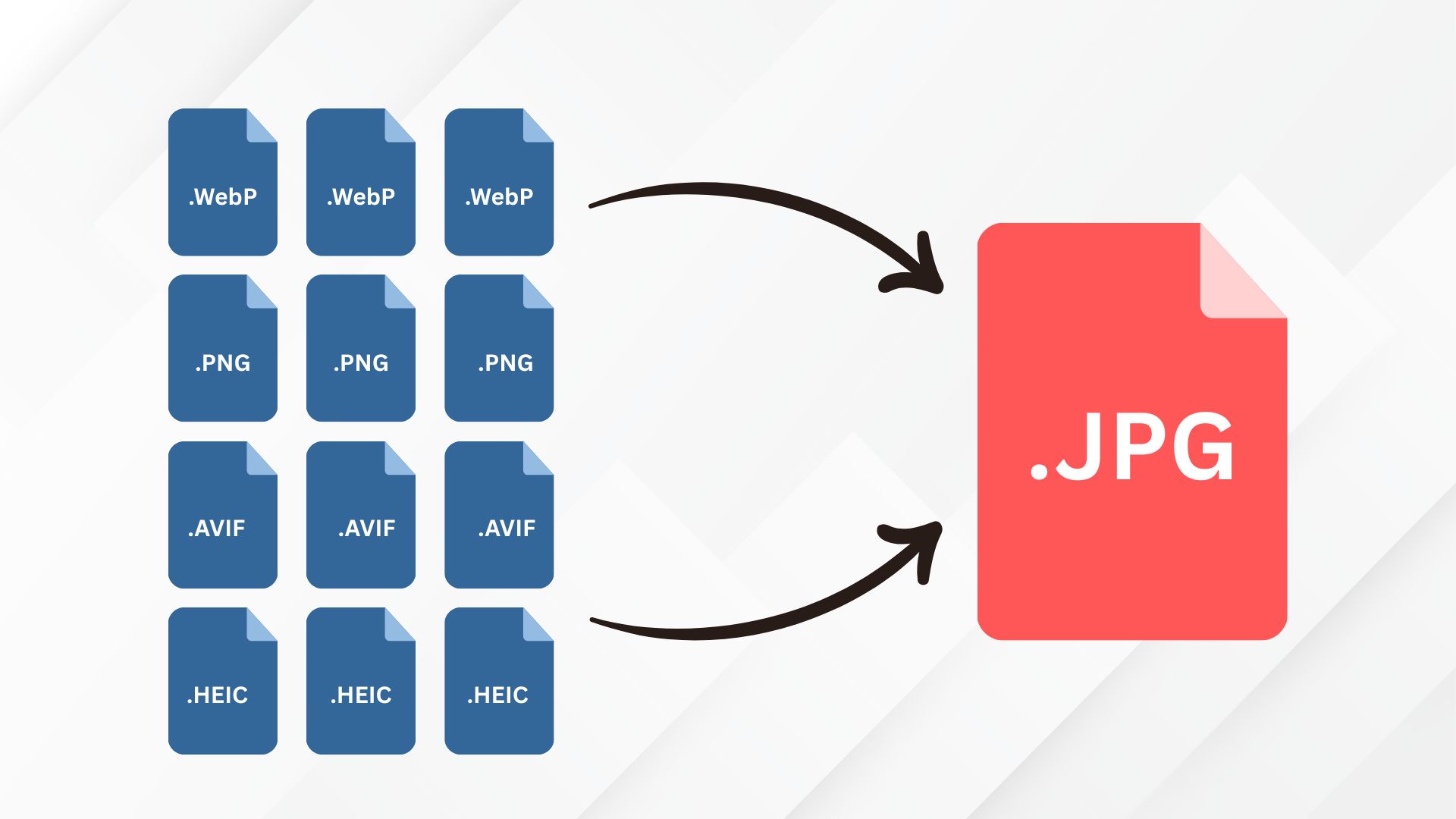
Free Unlimited Image to JPG Converter Without Login: JPG is a widely used image format, also known as JPEG. It uses lossy compression to reduce file size while maintaining good image quality. It is a lossy compression format, meaning some image data is discarded to reduce file size.
Because of its smaller file size and good image quality, JPG or JPEG is widely accepted by online forms, websites, and servers. Using JPG images can help reduce storage and bandwidth requirements while maintaining good visual quality.
There are many online tools that claim to convert images to JPG for free, but they often come with limitations. Some popular and trusted websites allow only a limited number of conversions while requiring users to purchase a premium plan for bulk or unlimited conversions. Others may offer free conversion but compress the images heavily, resulting in noticeable quality loss.
Best Any Image to JPG Converter Tool
If you are looking for a trusted online platform where you can do the unlimited image conversion of any image to JPG without losing quality, then here are some selected tool lists:
- ImgResizer.io: Best for Privacy if you have Sensitive or Personal Images.
- iLoveIMG: Best for Multifunctionality & Years of Trust.
- JPGConverter: Best for Bulk (limited to 50).
These tools are among my favorites for quickly converting images to JPG. In our daily work, we often need to convert different image file types into various formats such as PNG, JPG, and WebP. That’s why these tools are my first choice whenever I need a quick and easy image conversion.
Quick Comparison
Here is the quick comparison of these three tools based on features and ranking; you can find the best tool for your needs:
| Feature | ImgResizer.io | iLoveIMG.com | JPGConverters.com |
|---|---|---|---|
| Input Formats | JPG, PNG, WebP, AVIF, HEIC, TIFF, ICO, BMP, GIF, JPEG XL | PNG, GIF, TIF, PSD, SVG, WEBP, HEIC, RAW | PNG, JPG, SVG, WebP, GIF, BMP, TIFF |
| Batch Limit | Up to 60 images | Yes (limit not stated) | Up to 50 images |
| File Size Limit | Max 15 MB/file | Not specified | Not specified |
| Privacy | Fully client-side (no upload) | Secure (details vague) | Deleted after 1 hour |
| Cloud Import | No | Google Drive, Dropbox | No |
| Best For | Large batches, privacy, and format variety | Format variety + cloud | Large batches |
How to Convert Any Image to JPG Online
The Image Format Converter by IMGResizer.io is my first choice because it supports large batches, offers privacy, and provides a wide variety of image formats for conversion. In this guide, I’ll show you exactly how to convert any image to JPG in bulk, for free and without limits.
- Open the Image Converter tool.
- Select or upload your image or multiple images.
- Select JPG as the target image format.
- Click the Convert button.
- Once the conversion is complete, your converted JPG images will appear in the upload box.
- Click the Download button to save the converted images to your device.
- Your JPG images are now ready to use.
With these simple steps, you can easily convert any image to your desired format with minimal effort and in less time.
Frequently Asked Questions
Is the image format conversion making the image Quality Bad
Sometimes, yes, especially if you accidentally choose the wrong image conversion tool. My first choice is always the Image Format Converter by IMGResizer.io because it prioritizes image quality during conversion.
Why the IMGResizer.io Tool is Best than Others?
Our first choice is always the Image Format Converter by IMGResizer.io because it offers both privacy and fast conversion. Many server-based tools require you to upload your images to their servers before processing them. The server then converts the files and sends them back to you, which can add extra time for uploading and downloading.
IMGResizer.io uses client-side processing, so your images stay on your device instead of being uploaded to a server for conversion. The conversion takes place directly in your browser, making the process fast and more private. Once the conversion is complete, you can download your images immediately.
Which tool is best if we want image converting & Full Privacy?
The Image Format Converter by IMGResizer.io is a strong choice if you want both easy image conversion and privacy. It uses client-side processing, meaning the images are converted directly in your browser instead of being uploaded to a server. This allows you to convert images while keeping the files on your device, making it a convenient option for privacy-focused image conversion.
Final Thought
Converting images to JPG does not have to be complicated or time-consuming. With the right image conversion tool, you can convert JPG, PNG, WebP, HEIC, and other image formats quickly and easily.
If privacy is important to you, a client-side image converter can be a better choice because your images can be processed directly in your browser instead of being uploaded to a server. The Image Format Converter by IMGResizer.io is a convenient option for converting images in bulk while keeping the process simple and fast.
Whether you need to convert a single image or multiple files, choosing a tool that offers the formats you need, good image quality, fast processing, and privacy can make the entire conversion process much easier.
