
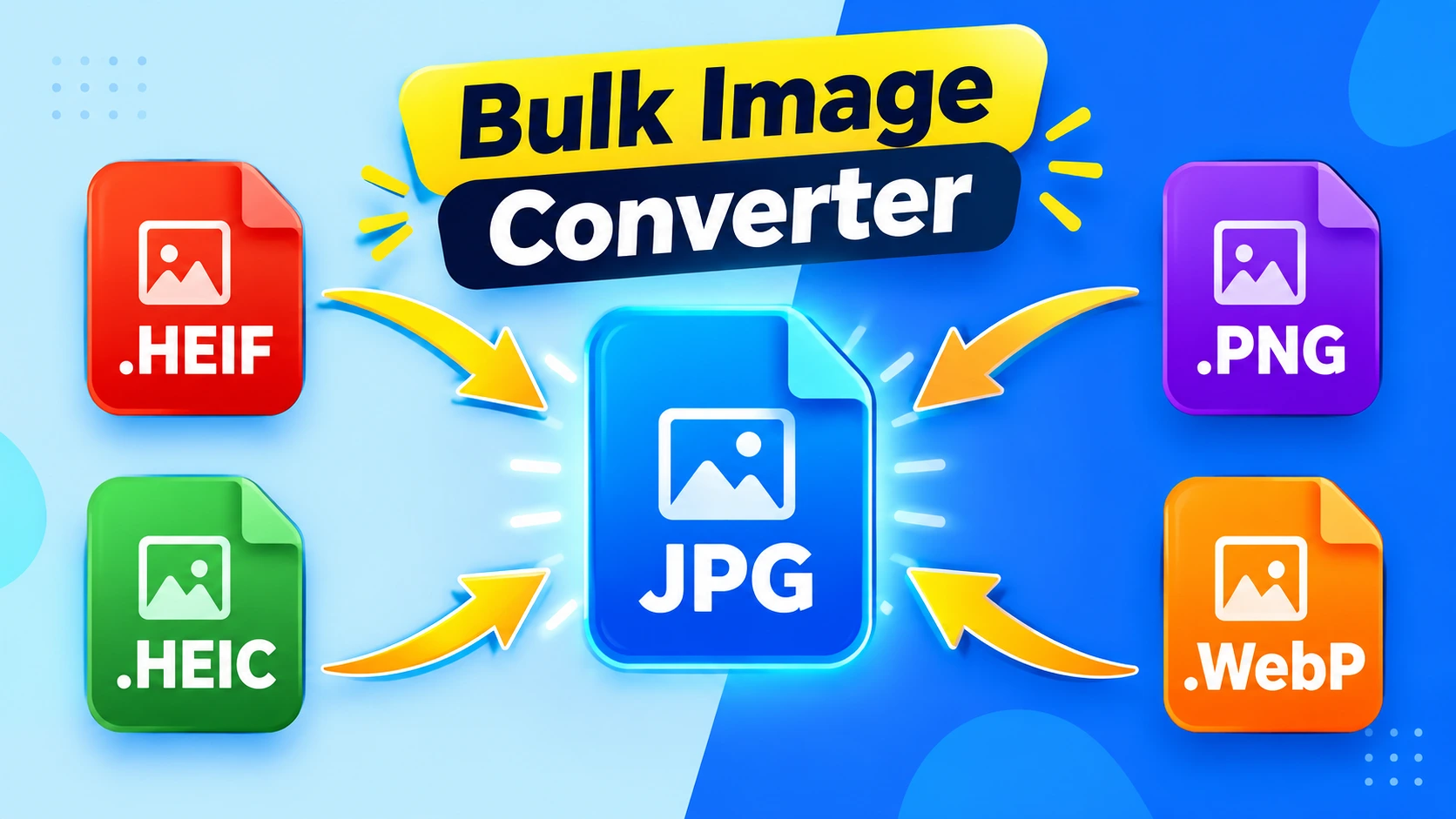
Bulk Image Converter Tool for Free: Whether you are at school, at the office, working from home, running an online store, or you have stored your photos on a device that does not support a certain kind of file, what do you do? Maybe your teacher needs your project images in JPG, but yours are all PNG. Maybe your boss wants product photos in WebP for a faster website, but you have them saved as something else.
Maybe you downloaded images from the internet and your phone cannot open them. Maybe you are a photographer delivering photos to a client who needs a specific format. Maybe you are a blogger trying to speed up your site and your images are too heavy.
Converting them one by one would take hours. Instead, use the Bulk Image Converter tool by IMGResizer.io, which lets you convert any image into your desired file format, up to 60 images in one batch.
How to Convert Images in Bulk: Up to 60 Images at Once
If you have a bunch of images and want to convert them all into your desired format, just follow these simple steps:
- Open the Bulk Image Converter tool.
- Now you can add, paste, or drag and drop up to 60 images at once in the upload box.
- Once the images are selected, set your desired format.
- Now click on the Convert button, and your images are quickly converted into your desired formats.
- Now you can see the individual download button near each converted image. You can also download all converted files at once in a zip folder. Look near the Convert button where the Download All button is. Clicking it lets you download all Transformed images at once.
- Now your images are ready to be shared wherever they are needed or supported by your device.
Video Tutorial: How to Convert Images in Bulk
Common Problems That Require Image Format Conversion
1. School and College Assignments
Teachers and professors often ask for assignments in a specific format. You may have created your project in PNG, but the submission portal only accepts JPG. Or your scanned notes are in the wrong format, and the deadline is tonight.
2. Office and Work Requirements
Your boss needs images in WebP for a faster company website. Your presentation slides need PNG files with transparent backgrounds. Your marketing team wants everything in JPG before uploading to the client portal. Different tools, different rules, same headache.
3. Website and Blog Speed
Heavy images slow down your website. Google punishes slow sites with lower rankings. Most bloggers do not realize that simply transforming their images to WebP can cut file size in half without losing visible quality.
4. Device Not Supporting the File
You download an image on your phone, and it refuses to open. You transfer photos from an old camera, and your laptop cannot read them. Some devices only support certain formats, and there is nothing you can do except convert.
5. Online Forms and Job Portals
Government websites, job applications, and exam forms often demand photos in JPG under a specific file size. You have the photo, but it is in the wrong format or too large. This is one of the most frustrating everyday problems.
6. Social Media and Content Uploads
Some platforms prefer PNG for graphics, others compress JPG heavily, and some now support WebP. If you are posting the same image across Instagram, Facebook, LinkedIn, and a blog, you likely need multiple formats.
7. E-commerce Product Photos
Online sellers need clean, fast-loading images. Marketplaces like Amazon and Flipkart have their own format rules. Converting bulk product photos one by one is a nightmare for any seller.
8. Client Deliverables
Photographers, designers, and freelancers often have to deliver work in a format the client wants. The client does not care what format you shot or designed in. They just want what they asked for.
9. Storage and File Size
PNG files are great for quality but terrible for storage. If your phone or laptop is full of heavy images, converting them to JPG or WebP frees up serious space.
10. Printing vs. Digital Use
Print shops usually want high-quality JPG or PDF. Websites want lightweight WebP. The same image often needs two different formats for two different purposes.
Frequently Asked Questions
I have 200+ HEIC images that I need to convert to JPG. Is there a tool or method that can handle them all at once (or in just a few batches)?
If you have more than 200 HEIC or HEIF or any iPhone images and you want to convert them into the widely used JPG or JPEG format in less time, you can use the Bulk Image Converter tool, which allows you to convert up to 60 images at once, so you only need 3 to 4 tries to successfully convert all your photos into JPG format easily.
Is Bulk Image Converting free, because I have more than 60 images in different formats?
Yes, if you use the Bulk Image Converter by IMGResizer, then it is completely free. You just need to use multiple batches if you have more than 60 images to convert, because it offers up to 60 images in one batch—but it is completely free.
Final Thought
Working with dozens or hundreds of images individually can be time-consuming and frustrating. Whether you need your images in JPG, PNG, WebP, or another format, processing them in bulk can save you a lot of time and effort.
With IMGResizer, you can process up to 60 images at once, download files individually, or download all processed images together in a ZIP file. It’s a convenient solution for students, office workers, bloggers, photographers, designers, e-commerce sellers, and anyone who regularly works with large numbers of images.
Instead of handling every image separately, simply upload your files, select the format you need, and process them together in a single batch. If you have more than 60 images, you can easily work through them in multiple batches.
If you regularly work with multiple image files, IMGResizer makes the entire process faster, simpler, and more convenient.
