
Your Images
0 / 60More Related Tools
Convert JPG to PNG online for lossless image storage and transparent background support. This free JPG to PNG converter transforms JPEG images into PNG format in seconds, with no software installation required. Ideal for logos, graphics, web design, and image editing, PNG preserves image quality during conversion without additional lossy compression. Please note that converting JPG to PNG cannot restore details already lost in the original JPEG image.
How to Convert JPG to PNG Online
- Upload your JPG or JPEG image file.
- Click the convert button to start the JPG to PNG conversion.
- Download the high-quality PNG image instantly.
Our online JPG to PNG converter works directly in your browser, making image conversion fast, secure, and easy on any device.
Why Convert JPG to PNG?
PNG images use lossless compression, which helps preserve image quality and sharp details after conversion. Unlike JPG files, PNG supports transparent backgrounds, making it ideal for logos, graphics, illustrations, screenshots, and professional image editing.
Converting JPG to PNG is useful when you need better image clarity, transparency support, or higher-quality graphics for websites, design projects, presentations, and social media content.
JPG vs PNG – What’s the Difference?
Both JPG and PNG are popular image formats, but they serve different purposes. JPG files use lossy compression to reduce file size, making them ideal for photos and web images. PNG files use lossless compression, which preserves image quality and supports transparent backgrounds.
| Feature | JPG | PNG |
|---|---|---|
| Compression | Lossy Compression | Lossless Compression |
| Image Quality | Reduced After Compression | Preserves Original Quality |
| Transparency Support | No | Yes. |
| File Size | Smaller | Larger |
| Best For | Photos & Web Images | Logos, Graphics & Editing |
| Editing Quality | Lower After Resaving | Maintains Sharp Details |
If you need smaller file sizes for photographs, JPG is a good choice. If you want high-quality graphics, transparency, or better editing flexibility, converting JPG to PNG is the better option.
Features of Our JPG to PNG Converter
- Convert JPG to PNG online for free
- Fast and high-quality image conversion
- No software installation required
- Supports transparent PNG output
- Works on mobile, tablet, and desktop devices
- Secure browser-based image processing
- Simple one-click JPG to PNG conversion
- No signup or registration needed
Why I Always Use PNG Images for Screenshots (And Why You Should Too)
If you’re a blogger like me, you probably run a few tutorial blogs where you share step-by-step guides. And chances are, you include screenshots to make things easier for your readers.
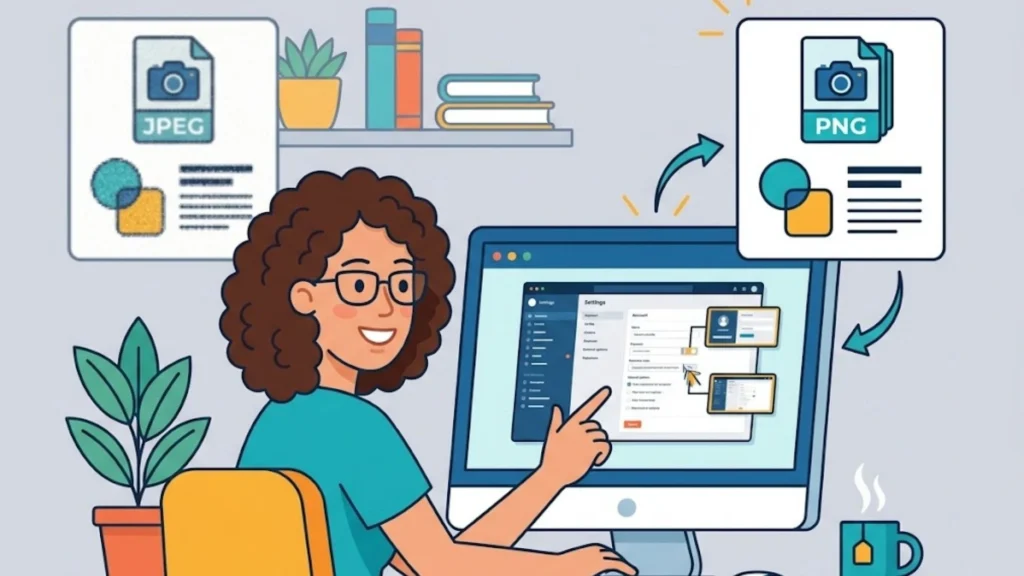
But here’s the thing: when it comes to image format, I always go with PNG instead of JPG or other smaller file formats. Even though PNG files tend to be larger in size, I still prefer them. Why? Because in tutorials, clarity is everything. Your readers need to see each step clearly, and PNG delivers that crisp, high-quality look that JPG just can’t match.
And it’s not just screenshots. I also use charts and graphics throughout my content, and yes, those are PNG too. The file size doesn’t bother me. What matters is that my audience gets a clear, easy-to-follow visual experience.
So if you’re wondering whether to use PNG or JPG for your blog images, here’s my take: when quality and clarity matter most, PNG wins every time. JPG images are also so useful, but they deserve on the right place; here you can learn how we use JPG images in my blog.
Frequently Asked Questions
Does converting JPG to PNG improve image quality?
Converting JPG to PNG does not restore lost quality from the original JPG image, but PNG prevents further quality loss during editing or saving.
Can PNG images have transparent backgrounds?
Yes, PNG files support transparent backgrounds, making them ideal for logos, icons, graphics, and design work.
Is this JPG to PNG converter free?
Yes, you can convert JPG to PNG online for free without downloading software or creating an account.
Is my image secure during conversion?
Your images are processed securely, and browser-based conversion helps protect your privacy while converting JPG to PNG online.
Which format is better: JPG or PNG?
JPG is better for smaller file sizes and photographs, while PNG is better for transparency, graphics, and high-quality editing.